%201.svg)
AI Root Cause Analysis for CI/CD Failures


When CI/CD pipelines fail, finding the root cause can be time-consuming and frustrating. AI-powered tools are changing this by automating the debugging process, saving developers hours of manual work. Here's what you need to know:
- What AI Does: AI analyzes logs, metrics, and code changes to identify the root cause of failures, not just symptoms.
- Key Benefits: Speeds up issue resolution by 75-80%, reduces repeat failures to less than 5%, and categorizes problems for better prioritization.
- Common Failures: Build errors, flaky tests, dependency conflicts, and deployment issues are frequent CI/CD challenges.
- How It Works: AI uses log analysis, semantic code understanding, and failure classification to provide actionable insights and fixes.
The result? Faster debugging, fewer production incidents, and more time for developers to focus on building features. Tools like Ranger automate much of this process, offering real-time insights and reducing triage time by over 90%. AI is transforming CI/CD workflows, making them more efficient and reliable.

AI-Powered Root Cause Analysis Impact on CI/CD Performance
Common CI/CD Pipeline Failures and Their Root Causes
Main Failure Types in CI/CD
CI/CD pipelines often stumble due to recurring problems like:
- Build failures: These happen when code doesn’t compile, often because of missing semicolons, outdated Node.js versions, or misconfigured YAML scripts.
- Test failures and flakiness: Some failures are genuine bugs, while others stem from intermittent issues like race conditions in asynchronous code or dependencies on external systems.
- Dependency conflicts: Incompatible package versions or inconsistent versions fetched during fresh CI installs can wreak havoc.
- Environment mismatches: Differences in operating systems (e.g., Linux vs. macOS case sensitivity), missing environment variables, or mismatched database versions often lead to errors.
- Deployment breakdowns: Problems like missing secret credentials, incorrect API keys, or errors in Infrastructure-as-Code scripts are common culprits.
- Resource contention: Limited memory and CPU in CI runners can cause "Address already in use" errors, database deadlocks, or out-of-memory crashes, especially during parallel test execution.
Recognizing these failure types is the first step toward tackling the underlying issues.
What Causes CI/CD Failures
One major cause of CI/CD failures is environment drift, where inconsistencies between development and CI environments - such as differing operating systems, library versions, or configurations - lead to errors. Another common issue involves asynchronous wait problems, where tests rely on hardcoded sleep commands instead of waiting for specific conditions. This is particularly problematic in UI-based test suites, where nearly 50% of flakiness comes from poorly managed asynchronous operations.
Shared state and order dependency is another frequent issue. Tests that rely on shared databases, caches, or global variables may pass when run individually but fail when executed in sequence. Atlassian reported that flaky tests accounted for 21% of master branch failures, with 46% of those failures linked to resource issues rather than code bugs. These patterns highlight that many failures are less about faulty code and more about how tests interact with their environment and each other. Ignoring these root causes can lead to significant operational challenges.
Impact of Unresolved Failures
When CI/CD failures go unresolved, the consequences ripple across teams. For instance, 43% of teams identify testing as their biggest bottleneck in software delivery. Pipeline failures lead to prolonged debugging sessions, constant context switching, and mounting backlogs, all of which strain deadlines and morale.
"When your CI/CD pipeline fails, it leads to delays, decreased productivity, and stress." - Itzik Gan Baruch, AI/ML DevSecOps Platform Expert, GitLab
Additionally, 60% to 80% of test automation effort is spent on maintenance, leaving little time to create new tests. Frequent failures also waste valuable CI runner minutes, increase infrastructure costs, and diminish trust in automated systems. When engineers start ignoring alerts because they assume failures are flaky, genuine bugs can slip into production, ultimately damaging user trust. Addressing these root issues is essential for keeping CI/CD pipelines efficient and avoiding costly production mishaps.
sbb-itb-7ae2cb2
AI Techniques for Root Cause Analysis in CI/CD
Log Analysis and Pattern Recognition
AI has a knack for turning the chaos of CI/CD logs into something useful. It filters out the distracting noise - like runner versions, environment configurations, and timestamps - so you can zero in on the real problems: critical error messages, stack traces, and failed steps. Imagine it like noise-canceling headphones for your build logs.
"Log parser is my noise-canceling headphones for build logs. It uses regex patterns to extract... the breadcrumbs showing where it blew up."
- Yashwanth Sai Ch, AI Developer
With pattern recognition, AI groups test failures that share the same error message or stack trace. This means teams can fix a single root cause that might be affecting dozens of tests, instead of tackling each failure one by one. AI also connects the dots between different data sources - application logs, infrastructure metrics, distributed traces, and Git commits - so you can figure out exactly when and why something went wrong. Generative AI takes it a step further by summarizing hundreds of lines of messy log data into concise "Debugging Briefs", complete with root causes, severity levels, and actionable fixes.
Semantic Code Understanding
Once the log patterns are analyzed, AI goes deeper by interpreting the code itself. While pattern recognition tells you what failed, semantic code understanding helps explain why. This involves mapping out code relationships and behaviors. For example, AI can analyze stack traces and error patterns specific to a programming language - like Python's ModuleNotFoundError or Go's "command not found" - to determine whether the issue lies in the application logic or the infrastructure.
In June 2024, GitLab showcased their Duo AI tool solving a Python application failure caused by a new Redis caching feature. The AI spotted the missing module in the logs and suggested fixes like installing it via pip or adding it to requirements.txt. When the pipeline hit another snag - a missing service - the AI guided the user to configure the services attribute in the .gitlab-ci.yml file to start a Redis server. This level of understanding allows AI to directly link failed test runs to specific Git commits and Pull Requests, giving developers quick access to commit diffs to review the changes that caused the problem.
Failure Classification and Prioritization
AI doesn’t stop at identifying issues - it also categorizes and prioritizes them. Using specialized "Triage Agents", it sorts failures into categories like dependency issues, syntax errors, misconfigurations, Infrastructure-as-Code errors, and test failures. It then assigns severity levels - Critical, High, Medium, or Low - so teams can focus on the most pressing problems, like failures that disrupt the main branch.
"The Triage Agent... is basically an AI emulating the expertise of a seasoned developer."
- Yashwanth Sai Ch, AI Developer
To ensure accuracy, AI provides a confidence score for each classification, showing how certain it is about the identified root cause. Structured data models validate these outputs, ensuring consistent formatting for downstream automation. By analyzing historical failure data, AI can identify "Emerging Failures" (new problems) and distinguish them from "Persistent Failures" (long-standing issues). This shift from reactive debugging to proactive quality management has real impact, with AI-driven root cause analysis reducing repeat failure rates to below 5%.
How Ranger Automates RCA for CI/CD
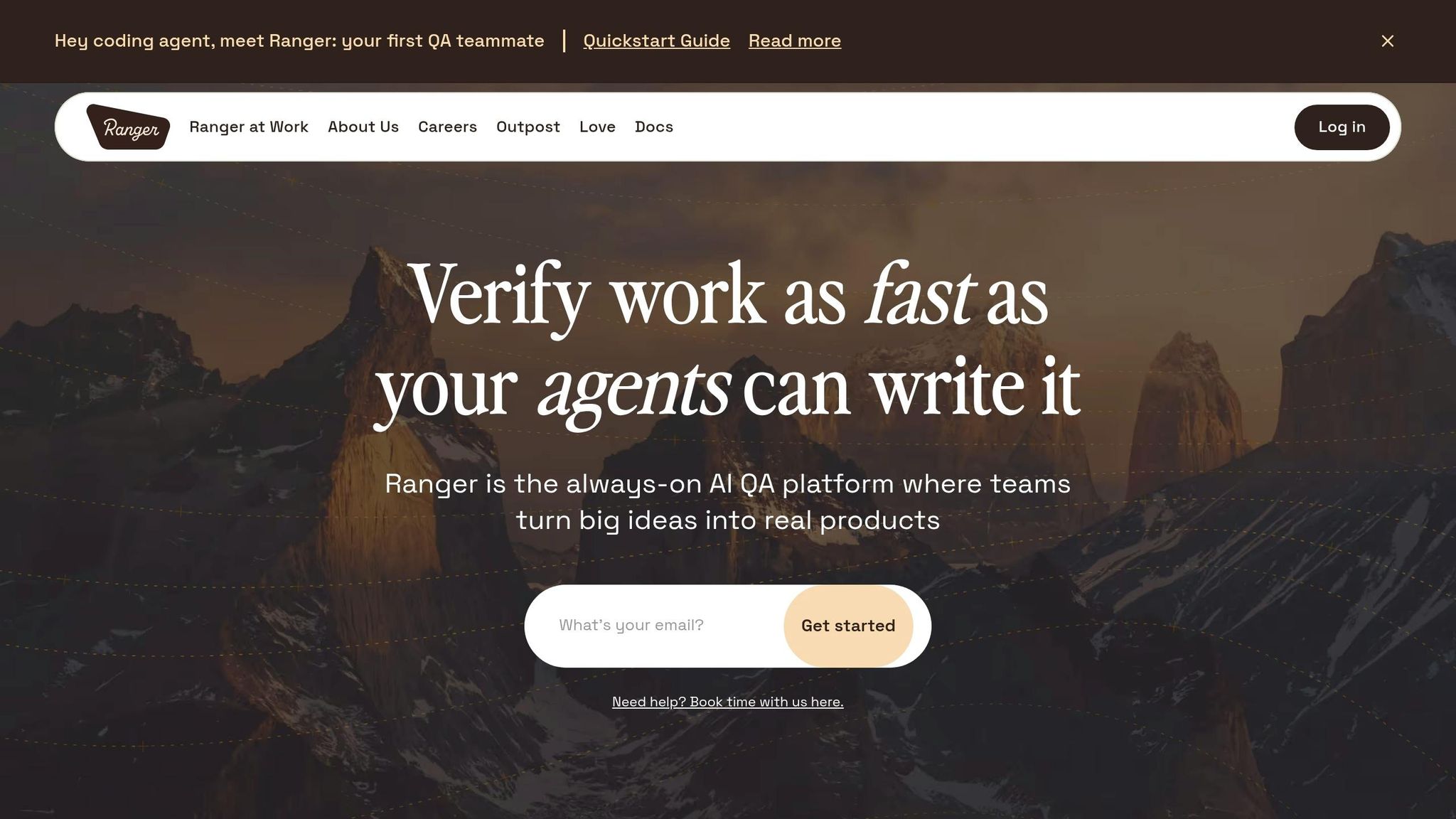
Ranger's Approach to AI-Driven RCA
Ranger simplifies root cause analysis (RCA) by blending AI automation with human input to ensure dependable outcomes. It automatically examines test failures, pinpoints impacted code files and modules, and delivers clear, concise hints to guide developers toward the root of the problem. Instead of replacing human expertise, Ranger’s AI provides actionable insights for developers to evaluate and act upon.
When an issue is created in GitHub, Ranger's real-time triage system activates immediately. Using semantic analysis with a 90-day historical window, it identifies duplicate issues, cutting down issue clutter by 60–80%. For example, in a repository managing 100 issues weekly, this feature can save about 45 hours of manual effort each week - equivalent to the workload of more than one full-time employee. These insights integrate directly into your CI/CD workflow, extending the AI techniques already in use.
Features That Support RCA
Ranger connects to GitHub through webhooks and APIs to automate key actions. It categorizes issues - whether they’re bugs, feature requests, or documentation updates - assigns priorities, and applies relevant labels automatically. Additionally, the platform posts Automated Debugging Briefs as comments on issues, offering summaries, highlighting potentially impacted files, and suggesting troubleshooting steps.
To uncover broader patterns, Ranger generates Weekly Strategic Intelligence reports. These reports group related issues, identify systemic challenges, assess risks, and propose resource allocation strategies. The platform operates efficiently at scale, thanks to Kestra for workflow orchestration and Vercel for hosting real-time analytics dashboards.
Custom Solutions for CI/CD Teams
Beyond its standard features, Ranger offers tailored solutions for teams working in diverse CI/CD environments. Its Custom Plans include AI-powered test creation, intelligent test case prioritization, hosted testing infrastructure, and real-time alerts that integrate seamlessly with tools like Slack and GitHub. Ranger supports flexibility with APIs such as Groq and LLM models like Llama 3.3 70B, enabling scalable testing for even the most complex pipelines.
This level of automation significantly reduces time spent on issue triage - from 15–30 minutes per issue to under 1 minute - cutting triage time by over 90%. Weekly planning time also sees an 85% reduction, transforming hours of manual effort into a quick 10-minute review.
Best Practices for Implementing AI-Powered RCA
Adding AI to Existing CI/CD Workflows
A smooth integration of AI into your workflows starts by keeping developers in their familiar environment. The goal? Minimize disruption by embedding AI tools directly into your DevSecOps platform. GitLab, for instance, introduced Duo Root Cause Analysis in June 2024 with this exact approach in mind. As Rutvik Shah and Michael Friedrich explained:
"GitLab Duo Root Cause Analysis keeps everyone in the same interface and uses AI-powered help to summarize, analyze, and propose fixes so that organizations can release secure software faster."
To make this work, start by forwarding specific portions of CI/CD job logs to your AI gateway. This ensures the data stays within the token limits of Large Language Models (LLMs) while avoiding unnecessary system overload. For example, when a dependency error pops up, the AI can immediately suggest fixes. Developers can then engage in follow-up chats to explore alternative solutions or optimizations. This turns AI into more than just a "suggestion tool" - it becomes an interactive partner for troubleshooting.
By taking these steps, you’ll establish a foundation for an effective AI analysis pipeline.
Building an Effective AI Analysis Pipeline
Retrieval-Augmented Generation (RAG) has emerged as the go-to framework for AI-powered RCA. Why? It grounds AI responses in your team's knowledge base - like runbooks, incident reports, and post-mortems - instead of relying solely on outdated training data. Shrinidhi Atmakur highlighted its benefits:
"RAG avoids both problems entirely - you update the knowledge base, not the model. The result is a system that is accurate, inexpensive to maintain, and auditable."
To get started, create a knowledge base cataloging known failure patterns and resolutions. For early implementation, lightweight libraries like FAISS can handle in-memory vector storage. As your system scales, consider transitioning to production-grade solutions like pgvector to store larger incident records. When splitting documents for RAG, aim for chunks around 500 characters with a 50-character overlap. This method preserves context during retrieval.
Go a step further by feeding the AI with multi-modal context - logs, Infrastructure-as-Code files, Kubernetes configurations, and commit history. This ensures the AI adheres to strict schemas, reducing the risk of malformed outputs that could disrupt downstream analysis.
Once you’ve set up a robust analysis pipeline, predictive mechanisms and QA risk analysis can take your system reliability to the next level.
Reducing Downtime with Predictive Mechanisms
A phased approach works best when implementing AI-driven solutions. Begin with a "suggestion mode" for error fixes, then move to auto-commits for trusted failure types like lint errors or dependency updates. Finally, roll out natural language workflows for broader automation. Combining these workflows with a strong analysis pipeline can significantly cut system downtime.
For instance, self-healing pipelines have been shown to reduce Mean Time to Recovery (MTTR) by up to 75%. Automated remediation frameworks have achieved fix rates ranging from 43% to 90% in SWE-bench evaluations. The productivity gains are substantial - just reducing CI friction time from one hour to 15 minutes per day could save a 20-developer team approximately $750,000 annually.
AI can also optimize test execution by analyzing code changes and prioritizing the most relevant tests. This reduces feedback latency and time-to-first-failure. Additionally, configure pipelines to auto-roll back deployments if error rates or latency thresholds are exceeded.
A flexible supervisor-worker orchestration pattern can further enhance efficiency. In this setup, an AI "manager" evaluates a failure's state and assigns tasks to specialized agents instead of following a rigid, linear process. Yashwanth Sai Ch emphasized its value:
"The Supervisor Pattern is a genuinely useful architecture... Having an LLM decide the workflow demonstrates you understand actual AI orchestration."
Finally, use tools like Pydantic models to validate AI outputs against strict schemas. This step helps prevent issues like "hallucinated" data or formatting errors that could disrupt downstream processes. One project revealed that managing "creative formatting" and JSON parsing accounted for 80% of the effort in handling LLM outputs. Adding this validation layer ensures smoother operations and fewer headaches.
Conclusion: The Future of AI in CI/CD RCA
Key Takeaways
AI-driven root cause analysis (RCA) is reshaping how development teams handle CI/CD failures. By pinpointing issues quickly and offering precise solutions, it’s making the debugging process far more efficient. As Itzik Gan Baruch from GitLab puts it:
"RCA analyzes all the data, breaks it down, and gives you clear, actionable insights... It tells you exactly what caused the error, provides steps to fix it, and even pinpoints the specific files and lines of code that need attention."
Take ByteDance’s LogSage AI framework as an example - over a year, it processed more than 1.07 million executions with an impressive end-to-end precision rate of over 80%. This level of accuracy represents a major advancement, allowing teams to maintain rapid delivery cycles without compromising quality.
The industry is now stepping into what many call Era 4 of CI/CD: Intelligent Automation. In this phase, pipelines don’t just react to issues - they predict and resolve them before they escalate. This shift empowers teams, regardless of their expertise, to tackle complex errors in infrastructure and code without needing specialized knowledge.
These advancements highlight not only the current benefits of AI in CI/CD but also its potential to create scalable, proactive solutions.
Adopting AI for Scalable Solutions
Bridging the gap between CI failure notifications and understanding the root cause is now a critical step for scaling QA processes to meet the fast pace of modern software development. When pipelines fail, it can throw off team productivity and delay releases. AI steps in here, enabling faster and smarter problem-solving, which keeps the continuous delivery process on track while eliminating the bottlenecks caused by manual debugging.
Platforms like Ranger demonstrate how AI can transform CI/CD workflows. By integrating real-time testing, automated insights, and human oversight, Ranger speeds up bug detection and resolution. It connects seamlessly with tools such as Slack and GitHub, ensuring that bugs are caught early, testing remains continuous, and features are released faster. With hosted infrastructure and real-time testing signals, Ranger helps teams maintain high-quality output as they scale - without the manual effort that traditionally slows down delivery.
Use AI to Automatically Troubleshoot and Solve CI/CD Problems | Hands-on Demo
FAQs
What data does AI need to pinpoint CI/CD root causes?
AI depends on various types of data, including logs, network traffic, screenshots, API traces, build failure webhooks, test outputs, and environmental metrics. These data points play a crucial role in pinpointing and addressing problems within CI/CD pipelines quickly and effectively.
How do I add AI RCA without exposing secrets or sensitive logs?
To ensure the secure integration of AI Root Cause Analysis (RCA), it's crucial to use data sanitization methods like differential privacy and secure multi-party computation. These techniques help protect sensitive information throughout the process. Tools such as Ranger implement safeguards like k-anonymity, exposure budgets, and strict access controls. This allows them to analyze logs, network traffic, and screenshots without risking the exposure of confidential data. These practices make it possible to perform effective RCA while keeping data security intact.
When can AI safely auto-fix CI/CD failures vs just suggest fixes?
AI has the capability to automatically address CI/CD failures, but this works best when it has a high level of confidence in the solution and safeguards like validation, testing, or rollback mechanisms are in place. For more complicated or uncertain problems, AI should propose solutions for human review to prevent any unintended consequences. Common tasks AI can handle include fixing linting errors, addressing flaky tests, or correcting environment misconfigurations. However, when issues are less clear-cut, manual intervention is often necessary to maintain system stability.
Related Blog Posts


.avif)
%201%20(1).svg)
More signals, less noise, faster launches
Let Ranger be your guide to sustainable QA testing.
